Custom Mosaic Picture Murals
Turn a photograph or artwork into a custom mosaic made from individual tiles. The Mosaic Design Wizard lets you explore how your image translates into the available tile colors, review the preview and calculate pricing before fabrication.
Explore a picture mural in the Mosaic Design Wizard
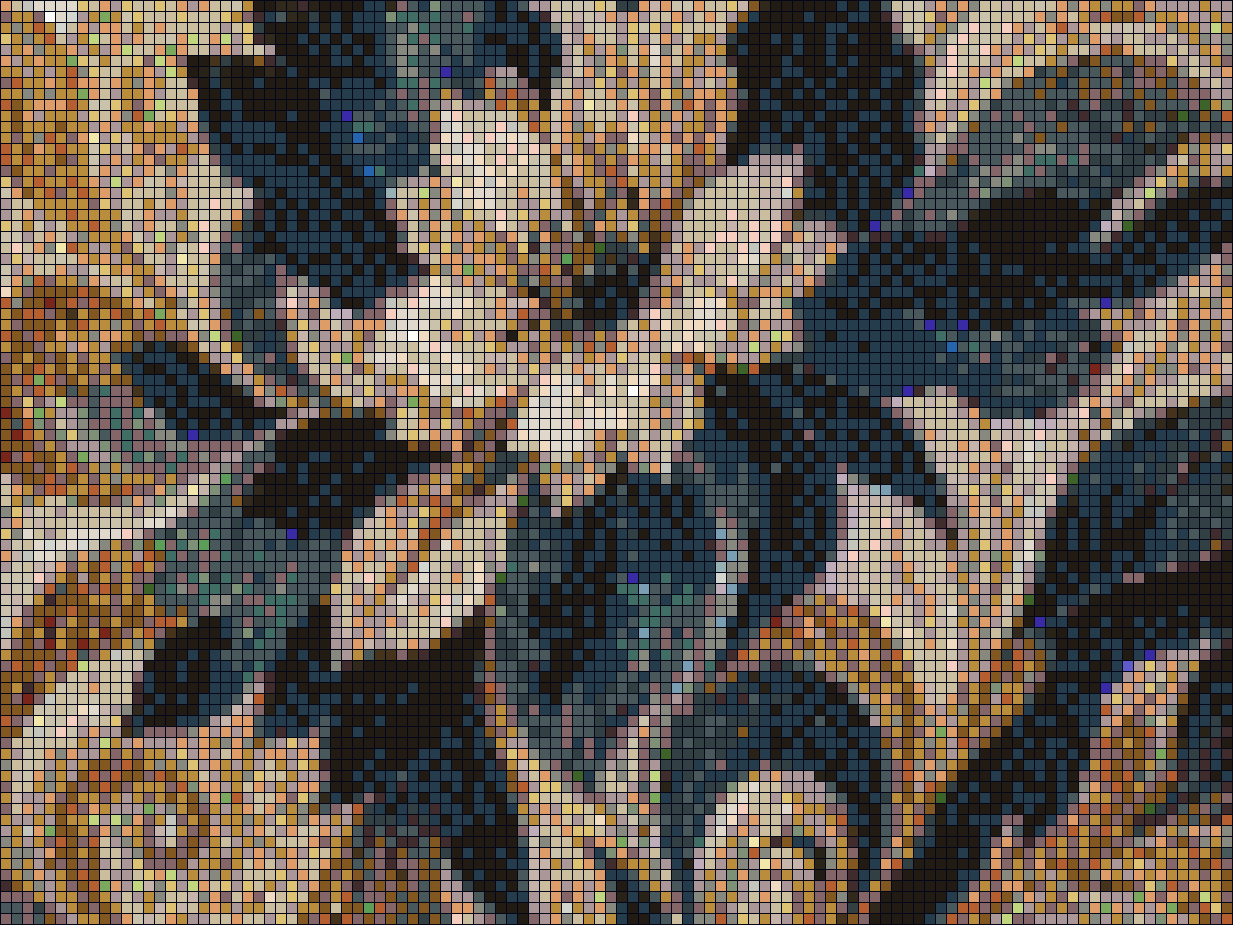
Choose an image that works at your scale
Think about the part of the image that matters most: a face, a flower, a landscape or a strong graphic shape. Compare that detail with the mural’s intended dimensions and viewing distance. Small details can become less distinct when represented by individual tiles.
The finished appearance depends on the source image, tile size, available colors and installation dimensions. Review the simulated tile arrangement as well as the overall picture, and discuss important details with Becoming Tile before finalizing the order.
Explore your image with real tile colors
Use Load Picture to bring an image into the mural workflow. Choose an available tile palette and set the mosaic dimensions to explore how your image translates into individual tiles. Palette and scale affect both the visual result and the online price estimate.
For a geometric composition instead of a photograph, the Template Wizard offers patterns such as rings, chevrons and rays, along with drawing and image-import tools. Explore these possibilities on the custom gradient mosaic page.
From picture to fabricated mosaic
Compare the preview and online pricing, then confirm your dimensions and fabrication requirements before ordering. There is no minimum order; schedule and material availability are confirmed for your project.
See fabrication experience
Explore Becoming Tile’s commercial project portfolio for completed-project examples. For a public or commercial setting, see commercial and architectural mosaics and contact Becoming Tile to discuss the application and schedule.